DrawJoy - Teaching a child to draw on the table in front of them
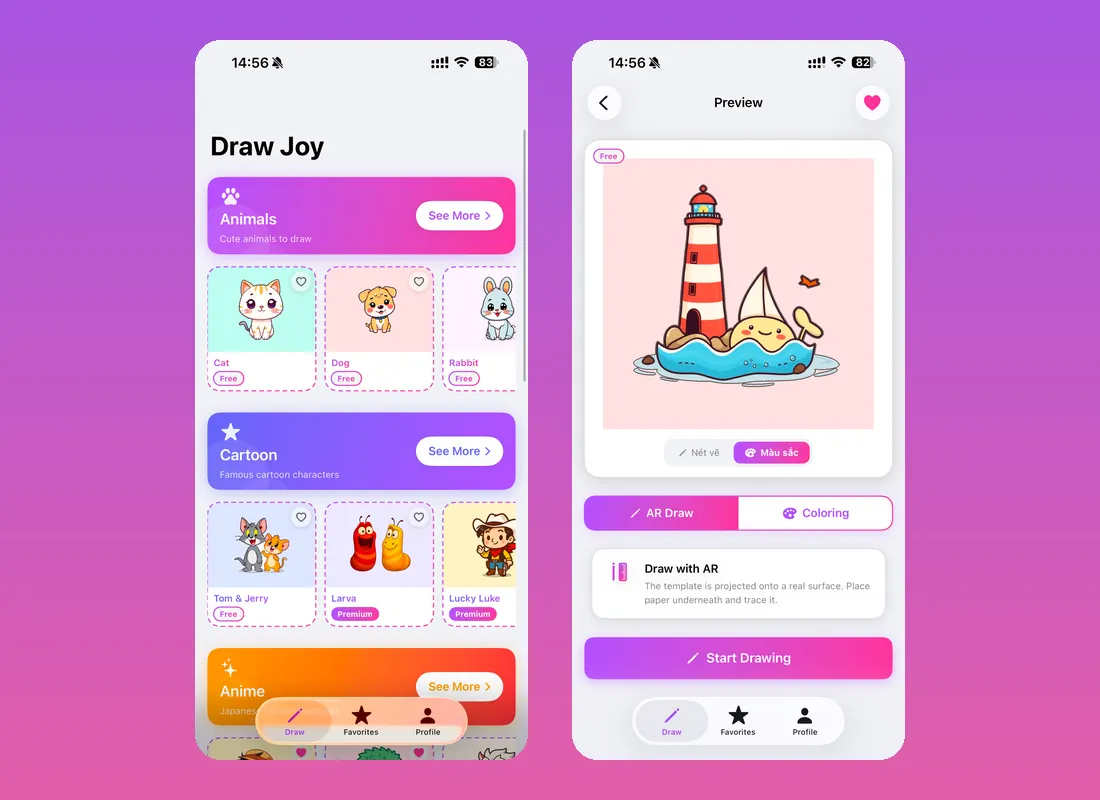
DrawJoy is an iPhone and iPad app that teaches children to draw. It started from watching how children actually learn: they copy. Put a picture in front of them and they will trace it, then draw it again without looking, and eventually draw it from memory.
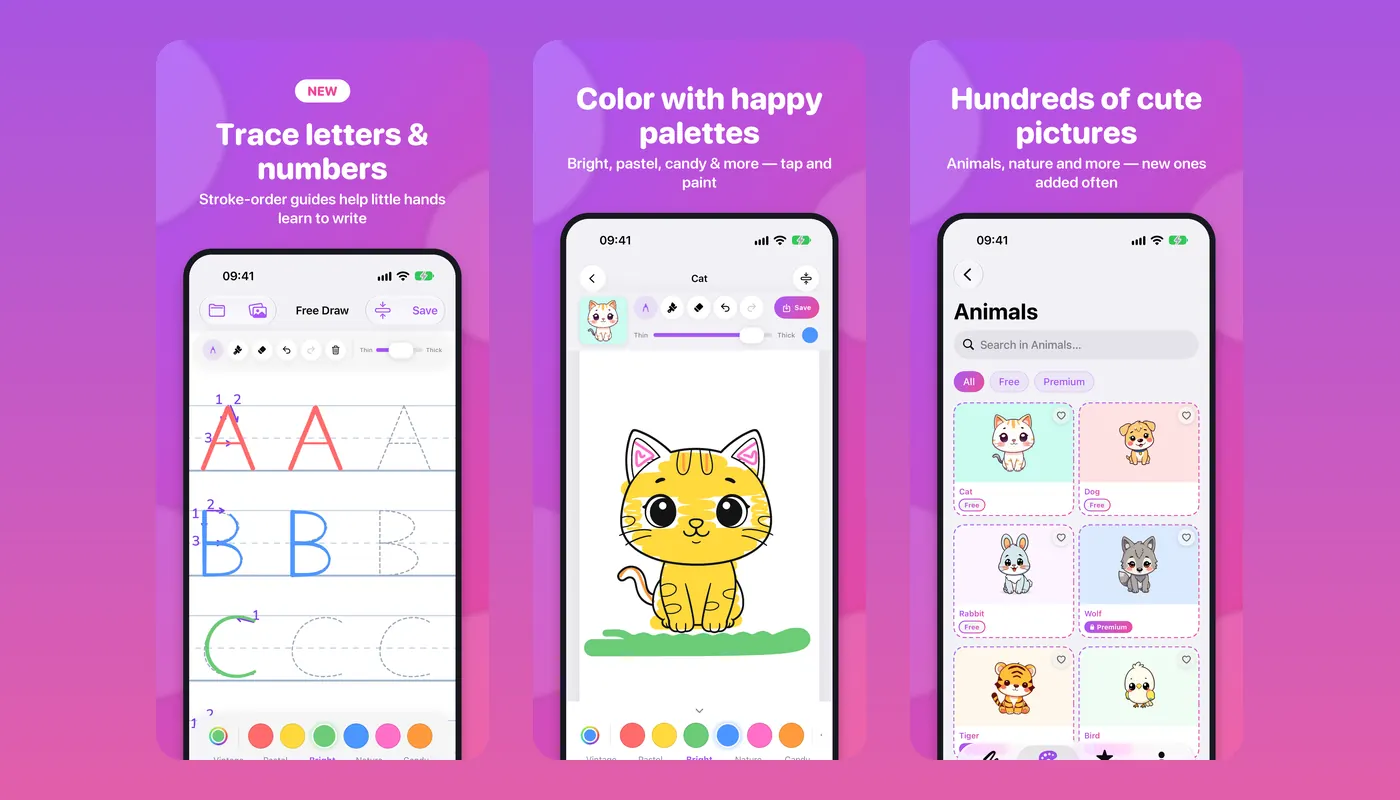
So the app puts the picture where the drawing happens. In AR mode the camera projects a template onto a real surface - a sheet of paper on a real table - and the child traces it with a real pencil. In coloring mode the drawing stays on screen and they paint it with a finger or an Apple Pencil. A third mode traces letters and numbers with stroke-order guides, because the request we heard most often was not about drawing at all.
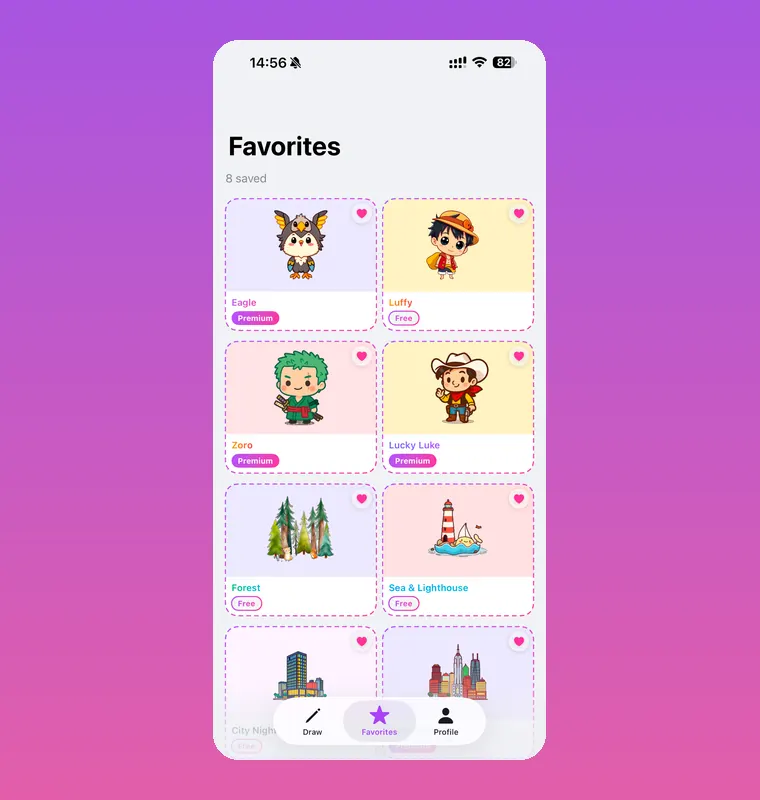
It is on the App Store in seven languages, with a catalogue of templates that keeps growing and a one-off purchase for the premium set.
- Services
- iOS app designand development
- Our Works
- UI/UX DesignDeveloping
- Completion time
- 6 months
- Tech Stack
- SwiftUI, ARKit, PencilKit,Firebase, StoreKit 2
Challenges
- Make augmented reality hold still enough for a child to trace. A template that drifts while a four-year-old leans on the table is worse than no template at all.
- Let a finger draw and two fingers zoom on the same canvas, without the two gestures fighting each other.
- Keep colour underneath the line art, so a child painting over the lines never smears the drawing they are following.
- Ship an app a child can use before they can read - and in seven languages for the adult who sets it up.
Key Achievements
- Three ways to draw in one app: AR tracing onto real paper, AR colouring over a projected template, and ordinary colouring on screen.
- Letter and number tracing with stroke-order guides, which turned out to be the feature parents asked for most.
- The canvas locks its size once, so rotating the iPad never shrinks or shifts the strokes already drawn - the bug that took longest to find and mattered most once fixed.
- White pixels in the line art are made transparent at load, so colour sits under the black outline the way it does on paper.
- Templates stream from Firebase and are cached on the device, so new drawings appear without an app update.
- Premium unlocks with a single purchase through StoreKit 2, with promotion codes validated server-side.
- Seven languages - Vietnamese, English, German, French, Japanese, Korean and Simplified Chinese.
Product showcase